

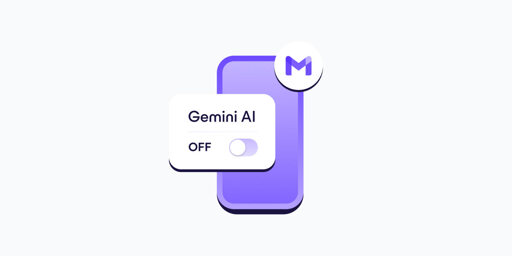
- In your Gmail app, go to Settings.
- Select your Gmail address.
- Clear the Smart features checkbox.
- Go to Google Workspace smart features.
- Clear the checkboxes for: Smart features in Google Workspace, Smart features in other Google products
- If you have more Gmail accounts, repeat these steps for each one.
- Turning off Gemini in Gmail also disables basic, long-standing features like spellchecking, which predate AI assistants. This design choice discourages opting out and shows how valuable your AI-processed data is for Google.
This has finally gotten me to take steps to deGoogle my email, Fastmail trial underway.
Degoogling your self is a process and needs to be handled carefully. Realisticly, this quite difficult if your not a fruit phone user, but there is hope for people who arn’t neck deep in Apples walled garden. GraphenOS announced last year they would be expanding their range of supported devices. [Link]
Once that happens, closing the ol’ google account will be much easier or atleast use a modern smart phone without having it tied to the tornent nexus.
Thanks. Yes, Google had been evil for a long time, probably before they removed “don’t be evil.” No, let’s not be gatekeepers.