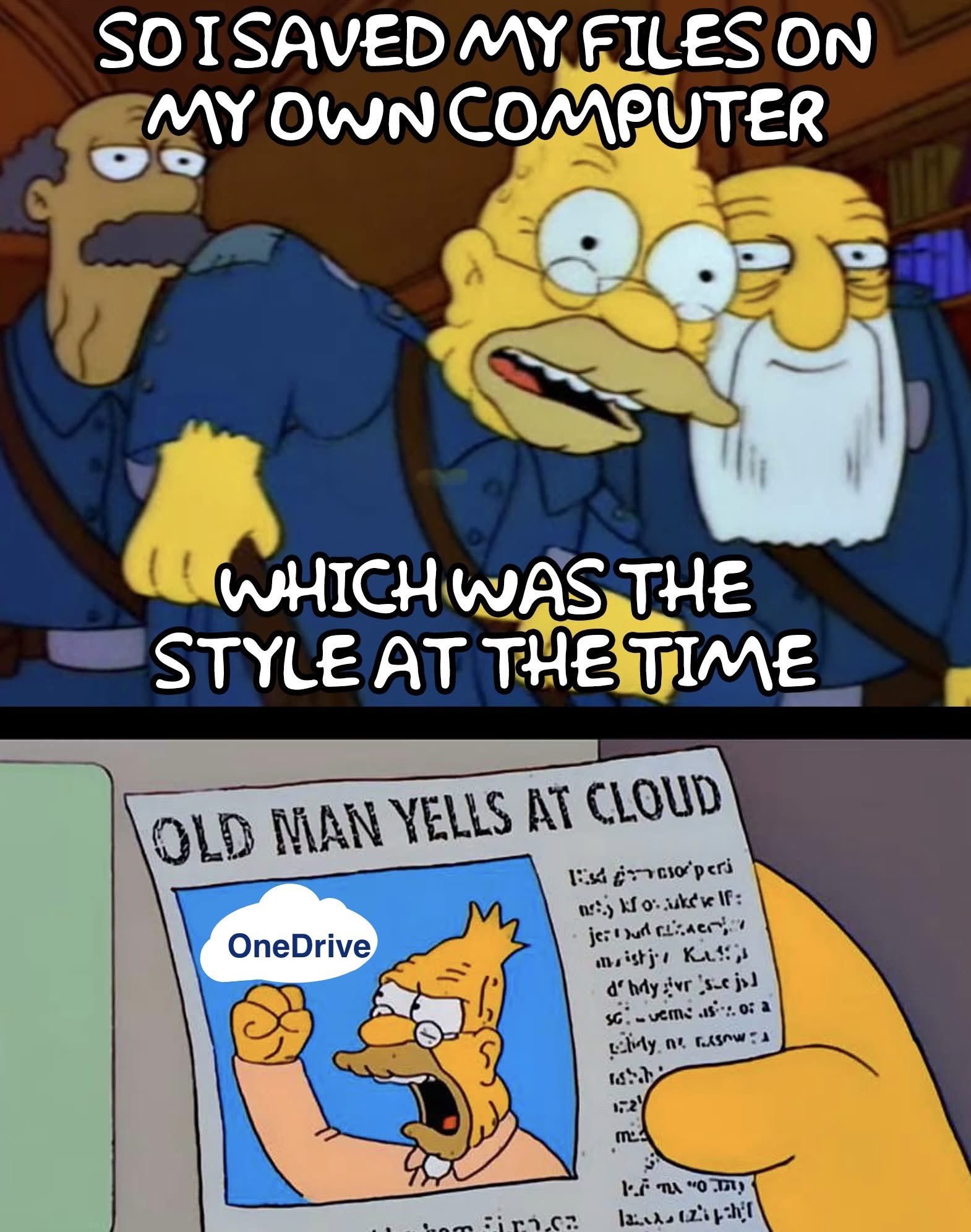
I’m so stealing that second half and put it on the outside of my cubicle
Yeah, I was shocked that everybody all jumped on the “You can totally trust us with your most important data and information. We won’t ever do anything bad with it” bandwagon.
Oh, by the way, the price just went up, and since they have all your shit, including ALL of your kids’ childhood photos, you’ll pay it, no matter how much it is, or what they do with it.
I find it incredibly moronic that Word cannot auto save a file every few minutes when it’s stored locally on your own hard drive. That feature requires OneDrive.
It’s very capable of auto saving locally because it was able to do it in the past.
Fkn clanker Microslop.
Computers no longer solve actual problems, and are the problem now.
I’ve been using Publisher for 30 years for all kinds of stuff, and I’ve gotten really, really good at it, with it all customized to my specs.
Now they’re discontinuing it in October, and supposedly it will stop working, and all my stuff will be unusable. I’ll have the final PDFs/JPGs/Pngs, etc but none of the files, if I want to modify them, which I do, frequently. I’ve tried Word, it sucks for graphics.
Now I’ve got to figure out a new replacement, and start a new learning curve. The one thing I am sure of is that the replacement will NOT be MicroSlop.
It’s possible not to allow auto-updating.
Both of those look great, and I like Scribus for being on the outside. Ill have to do a little research and see how well Publisher files transfer.
I still hit ctrl+s after writing every sentence because of when Word would only auto save every 5 minutes, but crash about every 4.
“We noticed you haven’t been using OneDrive enough so we will create problems and then force you to use OneDrive to fix them” - Microsoft
Microslop*
Word cannot auto save a file every few minutes
But apparently it uploads text to copilot every time you copy 😡
Dude, don’t use *that emoji, all I can think of when I see that is this:

*EDIT
Don’t tell me what to do! 😡
Ahhh, ain’t he just the cutest little thing.
Apt username.
I think libre Office writer can do that
I’ve been using Libre Office Writer for at least 10 years. When I hear people complain about Word, I always think “You’re still using Word?”
Its even more silly when VS Code and Visual study can do it, without issue
Which is also microsoft products
Different audience. I guess they know they can’t get away with forcing OneDrive on programmers.
They don’t need to; most developers rely on Github.
Yet. It won’t stop them from trying.
Call me a shill, but that’s why I always used Google Docs when I was in school. Things are instantly saved and I can easily access them on other devices. It was also always how we collaborated on group projects with the ability of multiple people to simultaneously edit power points in a collaborative project.
I don’t have use for word processing anymore, but I used Google Docs from like 2012-2020.
Definitely helped a ton because my laptop in grad school would randomly blue screen a lot for no discernible reason. Did that when it was new too and Dell support was no help. I have a suspicion that the processor was actually faulty on a hardware level straight from the factory…as it would have problems both in Windows AND Linux that were “fixed” by dramatically underclocking the CPU. All hardware stress tests would always pass. :/
Anyway, sorry for the random tangent lol.
Back when I was in school (damn does it make me feel old to say “back in my day”) I just had one device and collaboratively working on a presentation meant splitting up the parts and everyone sent what they wanted to have on the slides to the one group member who actually created the presentation (and made sure the format and style of bullet points were coherent) in zipped archives via e-mail. Also, we had to either bring our own laptops to show a presentation (at least the schools had beamers) or print that shit on literal OHP transparencies.
Anyway, there are open source alternatives to Google Docs, OneDrive, etc. You could go the NextCloud route or use Cryptpad, both can be either subscribed to through various platforms or even self hosted.
Just to add to your anecdote and provide some alternatives if someone reading this needed to know.
Haha I’m really glad I missed out on that sort of era tbh. Sounds like a bit of a nightmare.
While I appreciate you providing alternatives, the fact of the matter is that most of your random classmates are unlikely to be interested in using or figuring out how to use some sort of obscure program/website.
Don’t make it a group discussion. Just say “I’m gonna set up a collab doc later today” and send them the link. It will just be a workable document, nothing fancy and no weird UI you gotta get into.
If it’s that simple for people to participate, that sounds good. I’m glad my era of group projects is over, at least! No more classroom work for me!
It is that easy. NextCloud works with LibreOffice, and my first contact with Cryptpad was some vacation planning with online friends and someone set up the pad, sent the link and we were able to work with that stuff instantly.
No more classroom work for me!
I don’t know what your occupation is/will be, but office world is not a lot different from class rooms in many regards xD (I hope you got a more comfortable experience with your coworkers though).
I don’t have an office job, so it’s all good haha. I work in the medical field and have not needed to touch anything like that in years lol.
libreoffice.
At this point, even using LaTeX for word processing in Vim is better than using word.
always has been.
It’s extra moronic when you remember that the government is their biggest customer, and they generally cannot use OneDrive because of data storage requirements. Microsoft appears to give zero fucks about their users.
If it walks like slop, and it talks like slop… it’s slop.
No, we use one drive and are expected to keep working documents there
People should give some Linux distro a try nlinux mint is easy to install and I think easy to use.
I switched in October to Mint and have had very few issues with it. I’m not particularly experienced when it comes to programming and found it pretty straighforward.
I had one sound issue which was fixed in about half an hour with some googling, one with a set of flight pedals not working and a game that won’t work with Windows users in multiplayer.
The only one causing me a real issue is the game one, it has taken me hours of searching with only partial fixes.
Overall I think the OS is great and the issues are small teething things, learning the small programing that it has required has made me feel more confident too since there is tons of documentation to help online.
and a game that won’t work with Windows users in multiplayer.
Is it Halo or Company of Heroes?
Even with all the hacky annoyance CachyOS gives me, it is so refreshing not to get OneDrive or Copilot shoved on me in every window.
How does one give it a try? Honest question
If I want to maintain my Windows computer, do I need a new computer?
If I was already looking for a laptop, do I just buy the cheapest one and reformat? Does Distro utilize Touch Screen?
#META
Although lots of the replies to this are useful and informative, this seems like the kind of common and basic question where there should just be a resource we can signpost people to, with easy steps and answers to frequently- encountered issues, presented in an order and with language that supports but does not overwhelm interested parties…
Anyone know of one, or want to help make one?
You can get USB Image Writer and make a bootable USB of Mint. So you can try it from the USB and even if you choose to install you can choose dual boot so when you turn on your computer you can choose the system you want.
I do this because Battlefied, it’s the only reason I have windows partition, but my day to day I am using Mint… and at work macOS…
I think it’s also a good practice to be able to use any OS… look this guide it might help https://linuxmint-installation-guide.readthedocs.io/en/latest/burn.html
If I want to maintain my Windows computer, do I need a new computer?
Depends on your SSD size. If you settled for a distro and desktop environment you want to try more long term, you can create another partition on your SSD and install linux there, creating a so-called dual boot. There are many good tutorials on YT how to do that.
If I was already looking for a laptop, do I just buy the cheapest one and reformat? Does Distro utilize Touch Screen?
You can install Linux on any laptop. I run Pop!OS on a Surface Pro 3 tablet, touchscreen works well.
If you want to get a new laptop anyway and are insecure about doing all that partitioning, UEFI, flashing stuff yourself, you can get devices with Linux preinstalled. In the US, theres System76 that come with Pop!OS (an OS based on Ubuntu with System76’s own DE), or in Germany there is Tuxedo with their own (also Ubuntu-based) Tuxedo OS with KDE desktop.
If I want to maintain my Windows computer, do I need a new computer?
You can install Linux alongside Windows if you have the disk space to spare (a whole separate ssd/hard drive, a free disk partition on your existing drive, or you can split an existing Windows partition).
For experimenting, you can also use a virtual machine (like VirtualBox). Note that you might not get the best possible performance this way. Most Linux distros also have live systems, which means you can boot them from USB stick and use them before you actually install them.
If I was already looking for a laptop, do I just buy the cheapest one and reformat?
Don’t waste money on the cheap junk - just get a used laptop!
Does Distro utilize Touch Screen?
Haven’t tried. Probably!
If I want to maintain my Windows computer, do I need a new computer?
You don’t need a new computer, but Microsoft’s influence in the industry made it really inconvenient to run any other operating system alongside Windows on the same PC.
When you start, you need to change some BIOS settings to be compatible with both Windows and Linux. More annoyingly, every time you switch between them you’ll have to change tbe Secure Boot option. Turn it off before booting into Linux and turn it back on before booting into Windows. There are workarounds to that, but they’re not beginner friendly.
You also can’t install both Windows and Linux on the same drive. Windows likes to “repair” itself from time to time, which ends up breaking the Linux boot loader.
If I was already looking for a laptop, do I just buy the cheapest one and reformat? Does Distro utilize Touch Screen?
ThinkPads have a good track record with Linux support.
Hardware with niche features (like multiple screens on a laptop) will be less likely to have drivers for those features on Linux.
Touch screens don’t have a standardized way of connecting to a computer, so support will vary and you’ll need to Google it to find out if some laptop model is supported. If it is, pick any distro that uses KDE Plasma or GNOME for its desktop environment and you’ll be fine. If you’re coming from Windows, I would recommend Plasma over GNOME.
Not every Linux distribution supports Secure Boot, but almost all of them do. No need to toggle it depending on your boot target. Dual booting with secure boot works just fine.
With a bootloader signed using Microsoft keys, or a bootloader that needs a MOK to be set up to install third-party keys in the Secure Boot database?
I did the latter and it was a pretty annoying process that would scare away beginners—hence me saying a “workaround” was possible. I’m not using a common distro like Fedora or Ubuntu, though. Is setting it up less painful on those?
I’m using Fedora. Works out of the box. You need to add a MOK if you want to use custom kernel modules (or the current Nvidia drivers). But using the nouveau driver or just a standard installation of not using Nvidia hardware works flawlessly without MOK.
Im using Nvidia. The initial import of the MOK is a bit… strange or scary for non tech people, but afterwards, akmods makes it a breeze. You don’t have to think about it. With Fedora 42, akmods regularly failed to build the driver’s and I had to restart the build manually after a kernel upgrade, but since I upgraded to Fedora 43, it just works.
How does one give it a try? Honest question
You can flash a USB drive with an image using Balena or Rufus for example (there are numerous tutorials out there), then insert the USB drive into a port and boot into BIOS/UEFI (depends on your computer how to do that exactly please look it up online), then either set that USB drive to boot priority #1 or (preferrably) use a boot override if your computer is able to do that. Hit Save&Exit and you’ll boot Linux from that drive.
That will boot into a live environment where you can try how everything feels, is handled, just look around. At this point, you did not install everything and no permanent changes are made to your computer (except for maybe boot priority).
This way, you can try out different distros with different desktop environments without installing anything.
I’m still railing against proprietary phone apps.
We made HTML5, JS, CSS into open standards FOR A REASON
You’re not alone, friend. To paraphrase Doctorow, an app is just a website that’s a felony to alter. If a company puts a service behind an app that they don’t also make available via web, I am either learning to do without that service or looking for foss alternatives. I really don’t care about someone’s grandpa finding it easier to use an app, fuck you stop using old people to justify killing the web, give me a functioning website.
Do you mean This PC?
Strip it out.
https://github.com/Raphire/Win11Debloat
I find windows intolerable if I don’t run that and turn half the shit off.
I find windows intolerable
if I don’t run that and turn half the shit off.I mean, Linux would be less effort.
Yep. Got tired of constantly having to remove/disable yet one more thing Microsoft added. Or finding out some of my previous debloating was reverted or that I hadn’t done it perfectly. If it was just a single checkbox and Microsoft actually honored it, I probably wouldn’t be salty right now.
Yeah, that was the most surprising part of switching to Linux. It generally takes the same effort or less to get my linux install behaving like I want it than it did with a windows install. Plus windows likes to nagg you to set up shit I didn’t want in the first place.
It was kinda funny because that was the whole reason for switching in the first place, but there was this base assumption that Linux was going to be harder than windows, just without stupid MS shit thrown in. But no, it’s actually easier, just different in some ways that mean some skills don’t transfer.
But LLMs are pretty good for bridging that gap. They aren’t perfectly reliable (made up command line arguments are pretty common) but it’s good for getting command names from a description of what you want to do, which you can then learn about using pre-LLM methods.
Self hosted nextcloud server go brrrrr
The first thing I did when I got my pc was to uninstall OneDrive and set Proton as my cloud backup. Somehow, it seems my computer reverted my settings without my knowledge.
“What’s ‘my own computer’?”
- Gen BetaI just need two more drives to start running my home server, over time I will also need to add another SATA controller card so I can add two 2TB SSDs for caching and appliances
Meanwhile, I reinstalled LibreOffice on my Linux desktop even though I currently have no need for an office suite. And my work machines aren’t actually mine, so I don’t give a fuck what Microslop does to break shit.
The problem with a Windows machine in your house that isn’t yours, is that it’s still reporting “telemetry” about it’s environment back to it’s true masters.
My OneDrive is full of porn.
My hovercraft is full of eels.
I used to have a copy of my files, then the EULA changed and I didn’t know where the copy was.
It’ll happen to you!
I knew a guy who saved everything on USB sticks because back in the day, internal storage was negligible
When internal storage was negligible, USB sticks barely existed. The first one I bought was 64 MB. It seemed huge at the time to have an easily rewritable external storage that was bigger than the 1.44 MB of a floppy.
Yes, he’s used to external storage in general and instead of switching to internal storage, he went from floppy to CD to USB sticks.